Material requests
Where: Operations → Inventory → Material Requests, or Inventory → Dashboard → Transactions → Material Requests.
A material request asks stores to release stock. Requests are raised automatically:
- when a work order is issued, one request per component, numbered like
WO/2026-27/0001-MAT-1; - when production asks for more than was planned (a re-order, numbered
…-MAT-1-R1); - when a sales order is approved and stock is available, to allocate that stock to the order.
Nothing can be issued to the shop floor or picked for a customer until stores has dealt with the request.
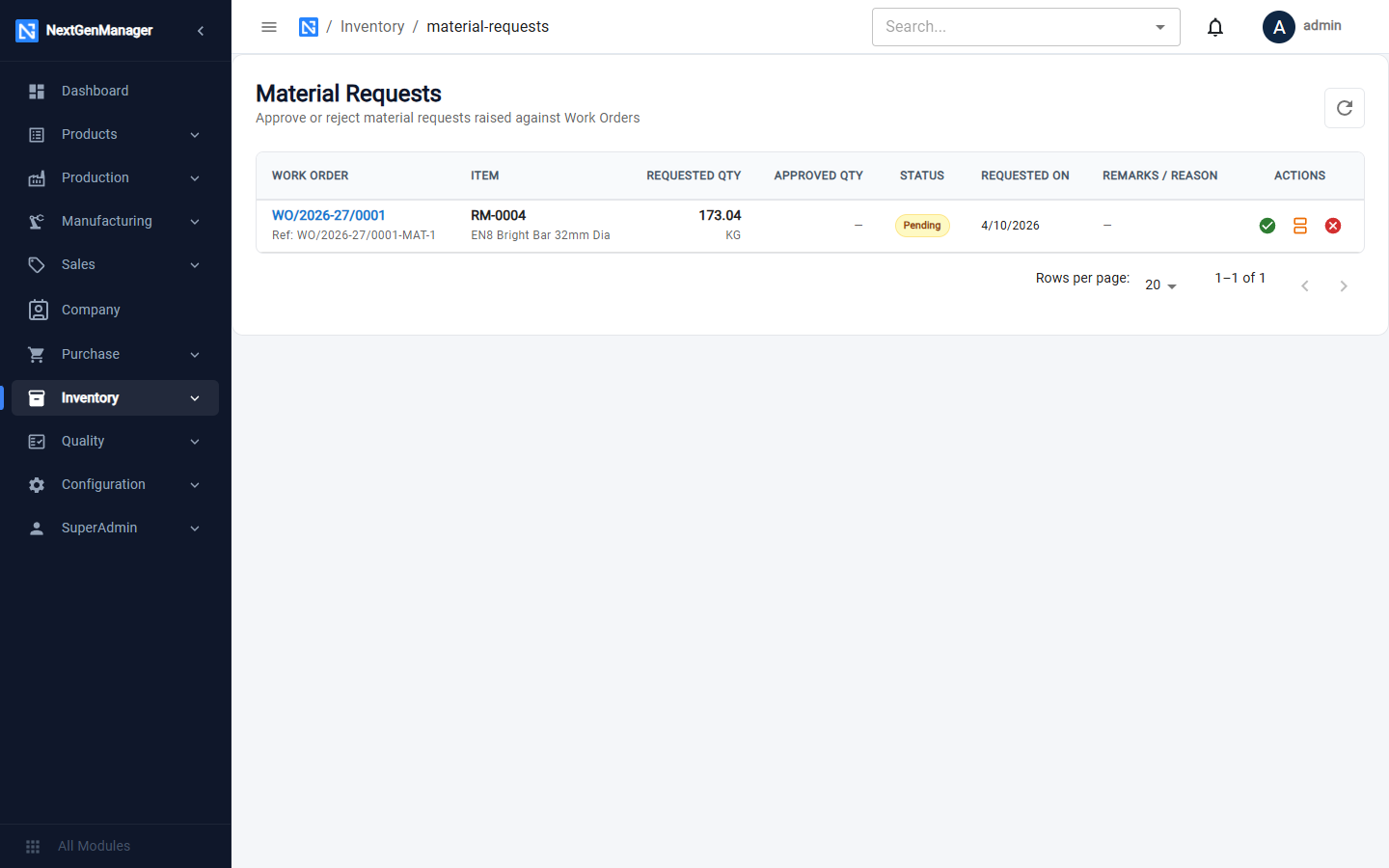
Each row shows the work order, the item, the requested and approved quantities, the status and when it was requested.
Approve a request
Click the green tick. The whole requested quantity is approved and reserved for that work order or sales order. A work order then moves from Material Pending to Ready for Production.
For a sales-order request the button reads Approve & Allocate.
Approve part of a request
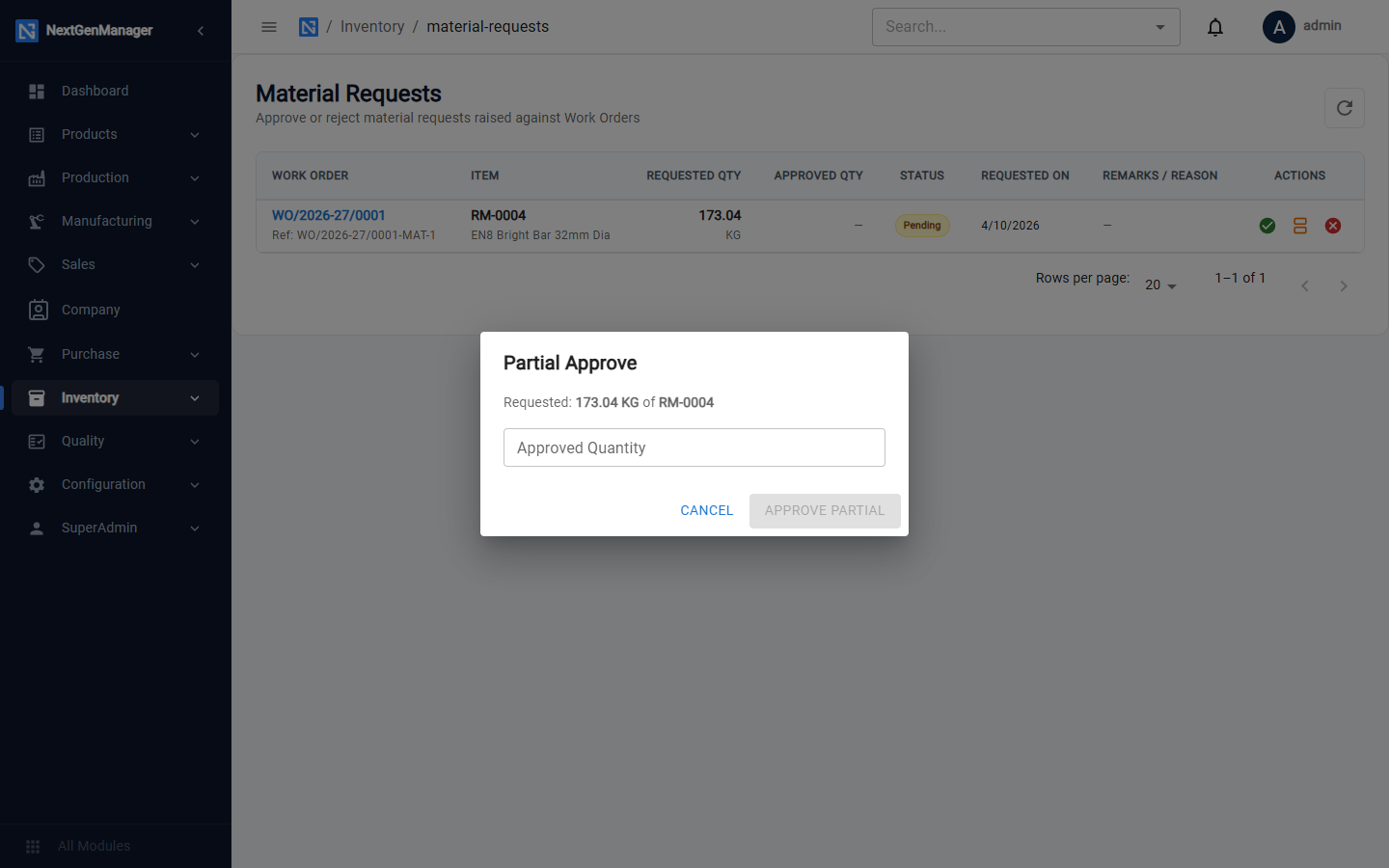
Click the middle (orange) button and enter the Approved Quantity, then click Approve Partial. Use this when there is not enough stock for the whole request.
Reject a request
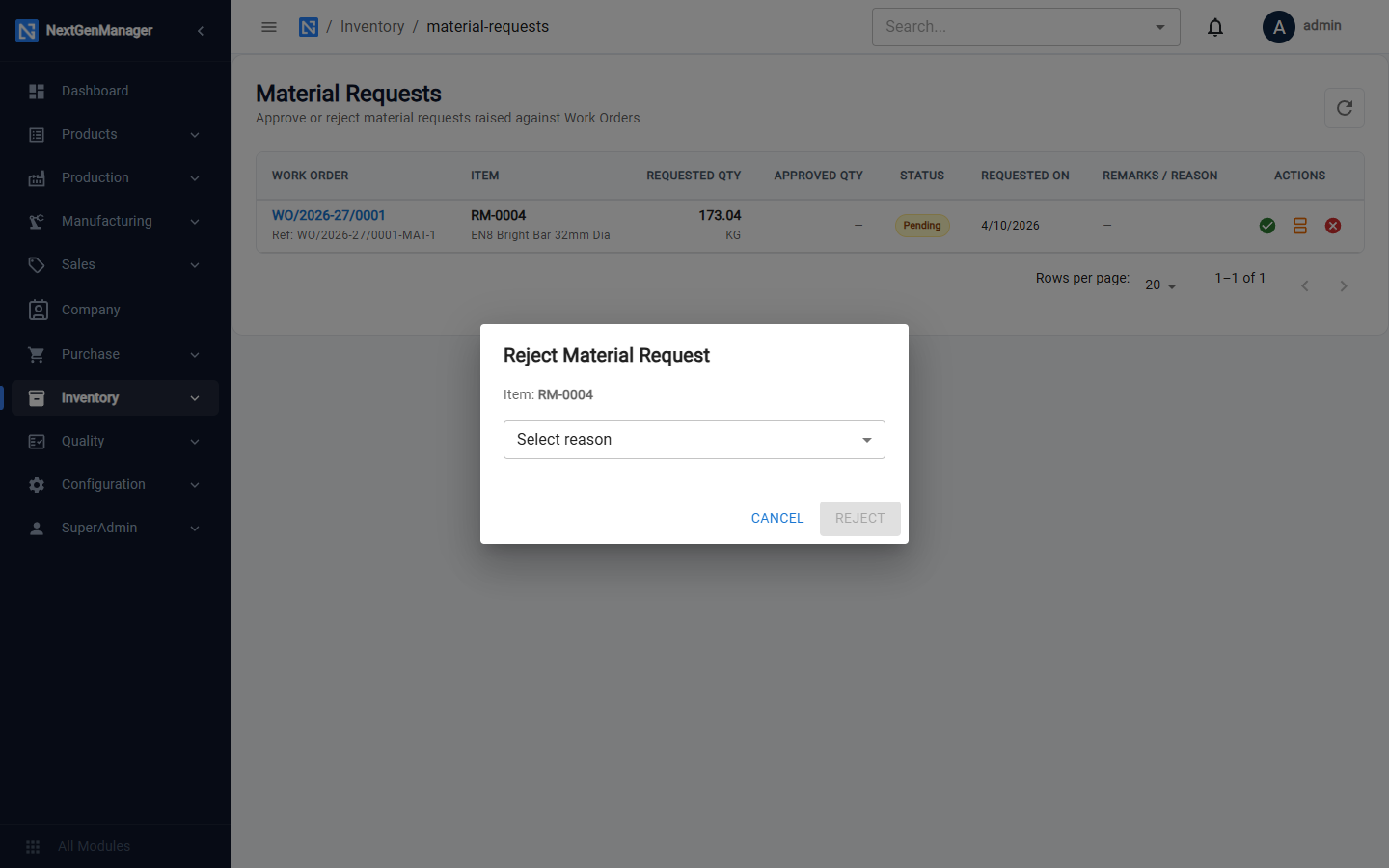
Click the red cross, Select reason and click Reject.
What happens next
- For a work order, production issues the reserved material to the floor from the order's Materials & Scrap tab. See Running a work order.
- For a sales order, the allocated stock can be picked. See Picking, packing and dispatch.