Work orders
Where: Operations → Production → Work Orders.
A work order is the instruction to make a quantity of a product. It carries the materials to issue, the operations to perform, the quality checks and, at the end, the cost of what was made.
The list
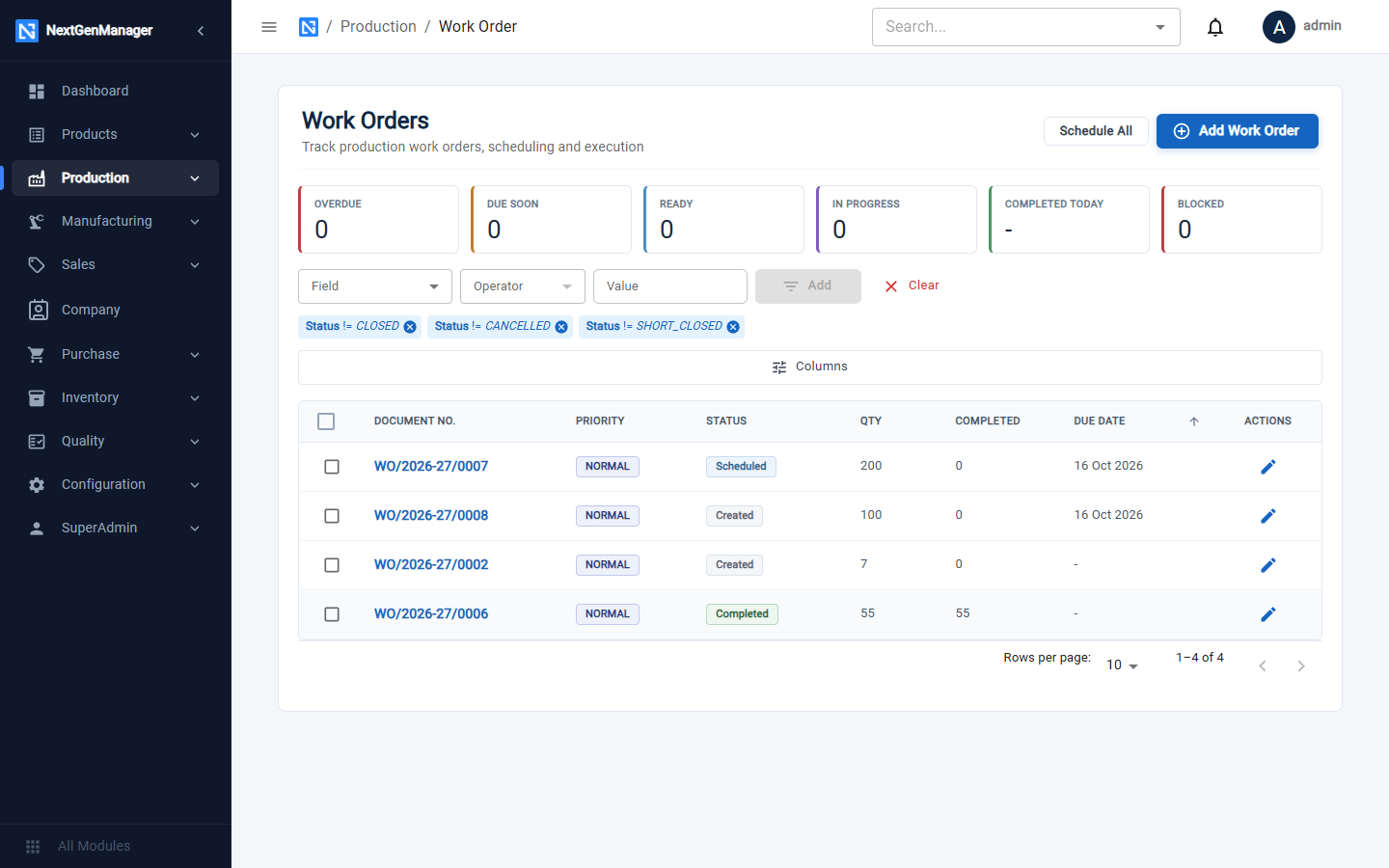
- Tiles: Overdue, Due Soon, Ready, In Progress, Completed Today, Blocked.
- The list starts with chips that hide Closed, Cancelled and Short Closed orders. Remove a chip to see them.
- Schedule All schedules every open order (see Scheduling and the shop floor).
Where work orders come from
| Source | How |
|---|---|
| Manual | You click Add Work Order, or Create Work Order on a BOM |
| Sales Order | The system raises one when an approved sales order needs a make-to-order product that is short (see Planning) |
| Work Order | A rework order created when rejected pieces are sent for rework, or the second half of a split order |
Create a work order
Click Add Work Order.
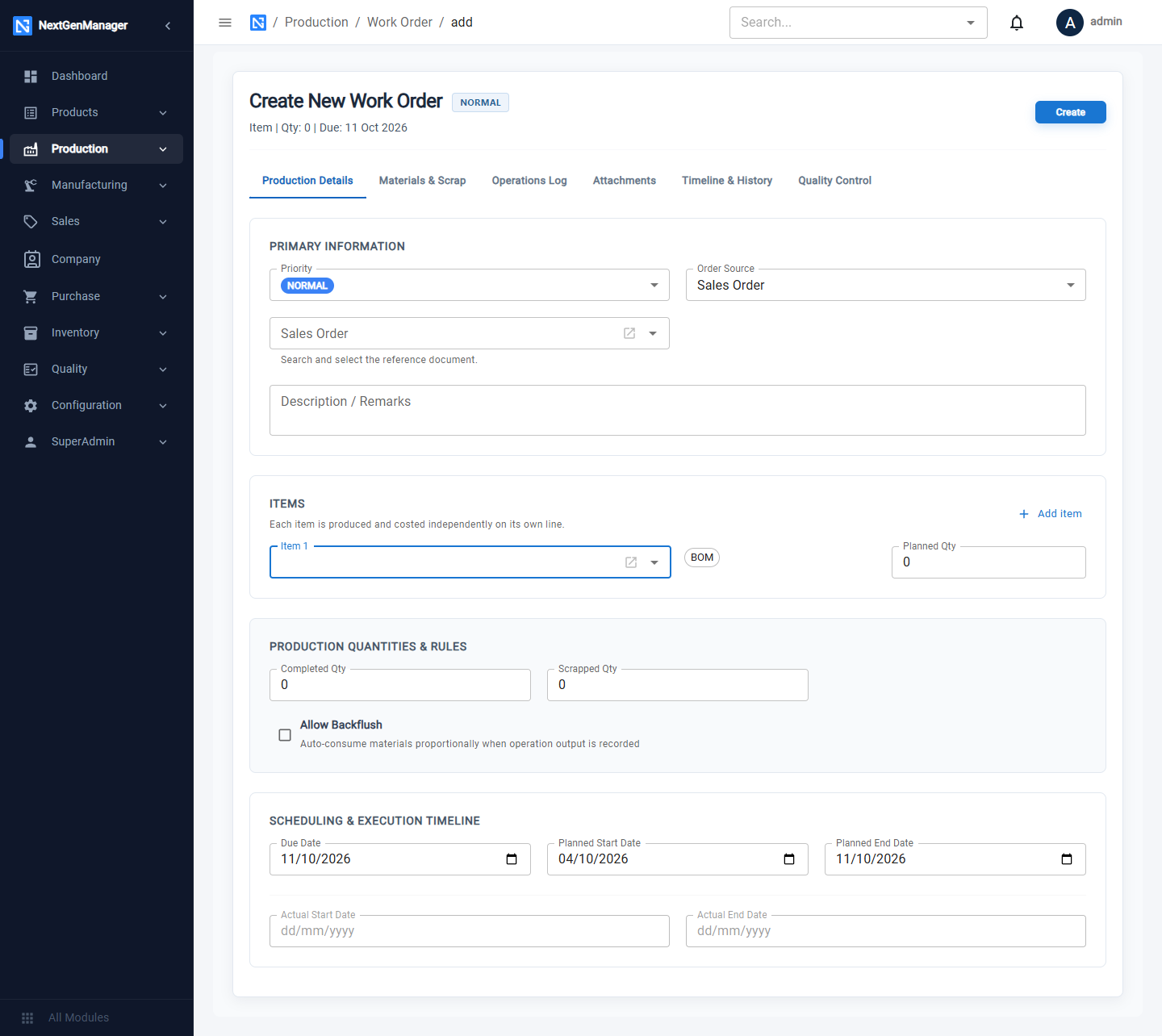
| Field | Notes |
|---|---|
| Priority | Urgent, High, Normal or Low |
| Order Source | Manual, Sales Order or Work Order, with the reference document |
| Description / Remarks | Free text |
| Items | Choose the product; its active BOM is shown. Enter the Planned Qty. Add item adds another product to the same order |
| Allow Backflush | Materials are consumed automatically, in proportion, as operation output is recorded |
| Due Date, Planned Start Date, Planned End Date | Used for the overdue tiles and for scheduling |
Click Create. The system warns: Once created, the BOM and Reference Document cannot be changed.
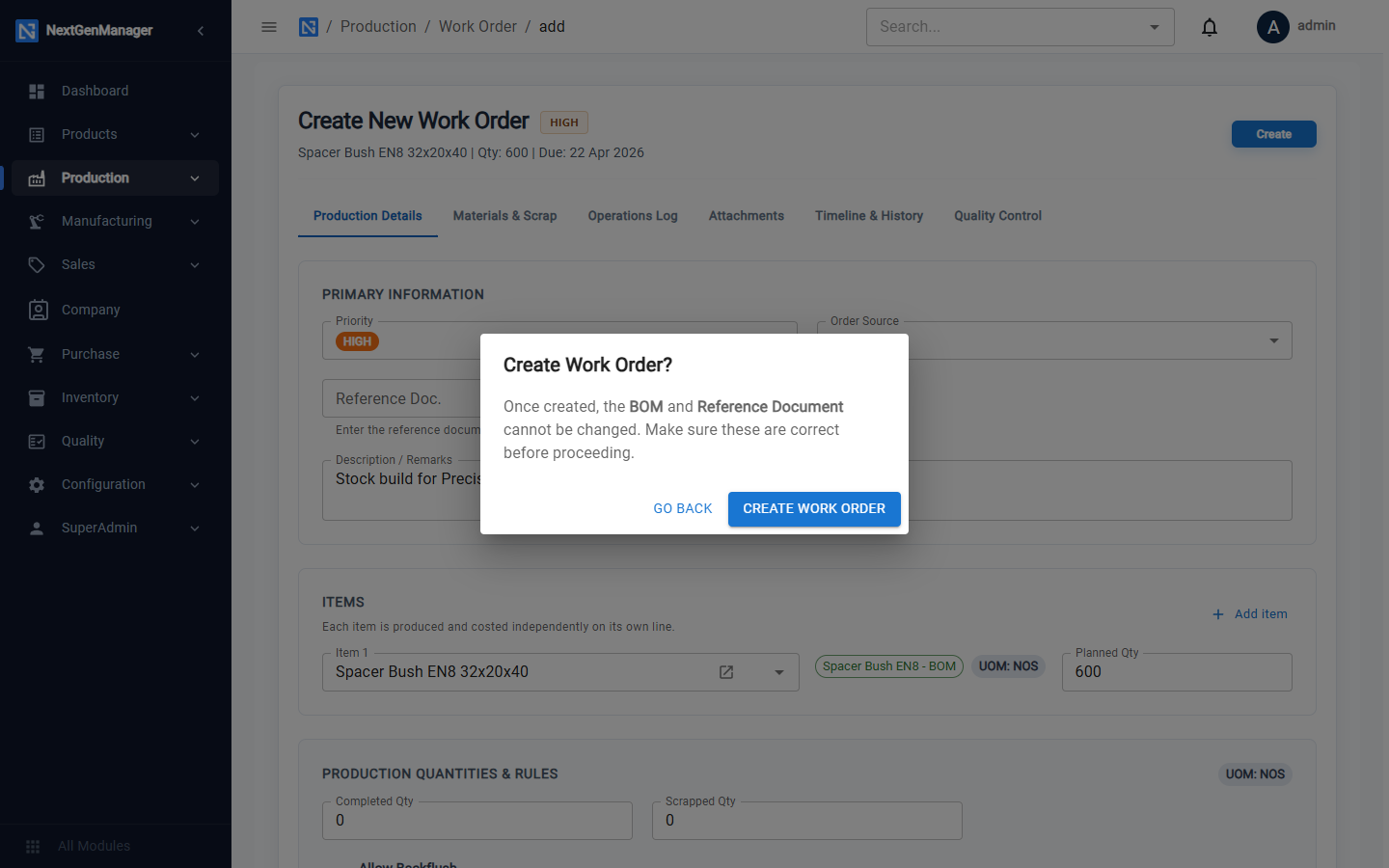
The order is numbered WO/2026-27/0001 and its status is CREATED.
:::info The product must have an Active BOM Only products with an Active bill of material can be put on a work order. See Bill of materials. :::
The work order page
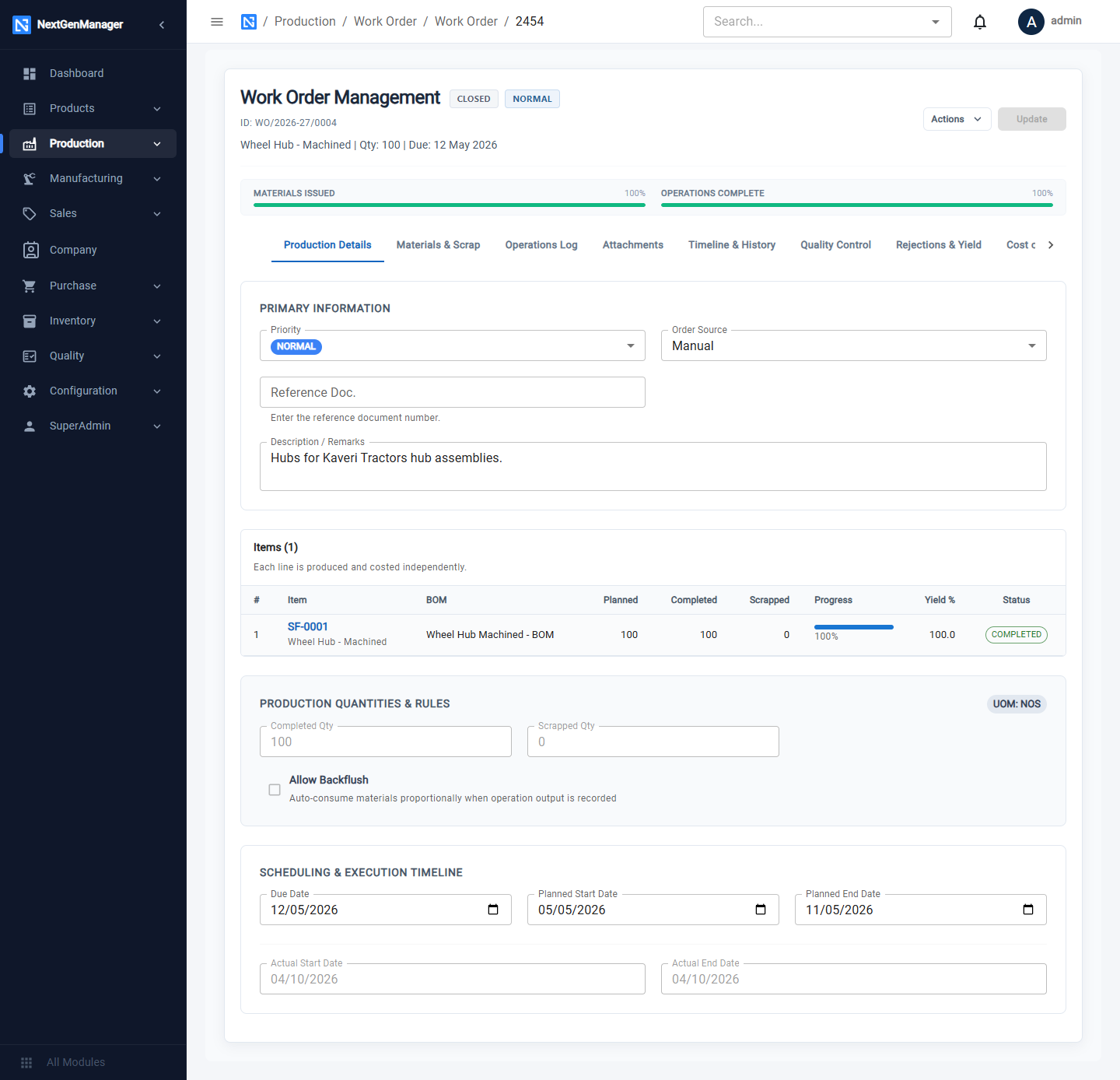
At the top are the status, the priority and two progress bars: Materials Issued and Operations Complete.
| Tab | What it shows |
|---|---|
| Production Details | The header, the items with planned, completed and scrapped quantities, and the dates |
| Materials & Scrap | Each component: required, approved, issued, consumed |
| Operations Log | Each operation with its progress, as a list or a timeline |
| Attachments | Files for this order |
| Timeline & History | Every change to the order, with who and when |
| Quality Control | QC tests for the order |
| Rejections & Yield | Yield figures and what was done with rejected pieces |
| Cost of Production | Estimated and actual cost |
The Actions menu
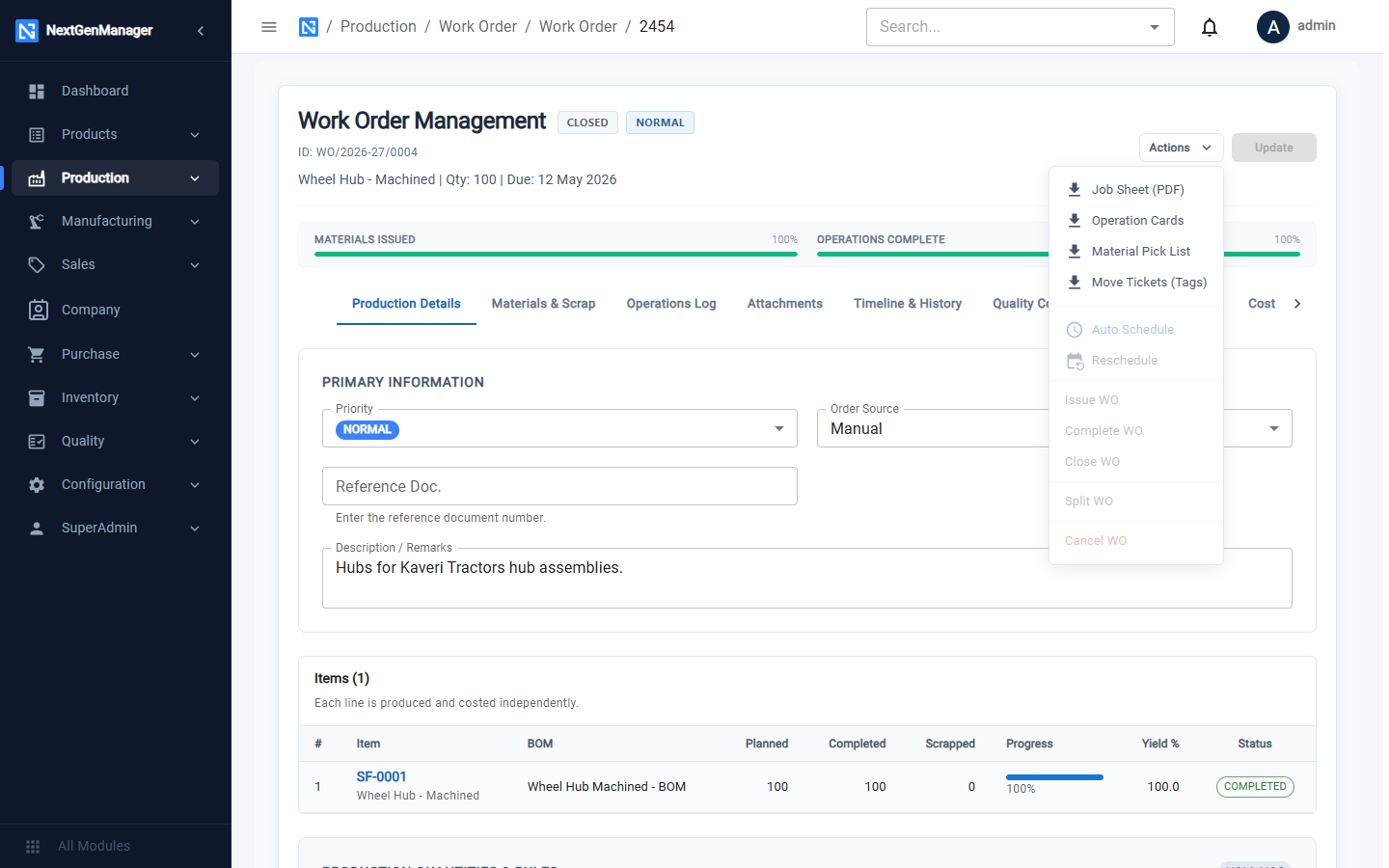
| Action | What it does |
|---|---|
| Job Sheet (PDF) | The traveller for the job |
| Operation Cards | One card per operation |
| Material Pick List | What stores should issue |
| Move Tickets (Tags) | Tags for moving parts between operations |
| Auto Schedule, Reschedule | Plan the operations on the machines |
| Issue WO | Release the order to production |
| Complete WO | Book the finished goods into stock |
| Close WO | Close a completed order |
| Split WO | Move part of the quantity to a new order |
| Cancel WO | Stop an order that will not be made |
| Short Close | End an order early, accepting what has been made |
Only the actions that are possible in the order's current status can be clicked.
Statuses
| Status | Meaning |
|---|---|
| CREATED | Saved, not yet released |
| SCHEDULED | Operations have been planned on machines |
| MATERIAL PENDING | Released; waiting for stores to approve the material |
| READY FOR PRODUCTION | Material approved and reserved |
| IN PROGRESS | At least one operation has started |
| COMPLETED | All operations done and the finished goods booked |
| CLOSED | Finished and closed |
| SHORT CLOSED | Ended early with a smaller quantity |
| CANCELLED | Stopped |
Continue with Running a work order.