Debit notes (purchase returns)
Where: open a purchase order → Related Documents → Debit Notes, or go to
/purchase/debit-notes.
Raise a debit note when you send goods back to a vendor — rejected at incoming inspection, damaged, or the wrong item. It reduces your stock and what you owe the vendor.
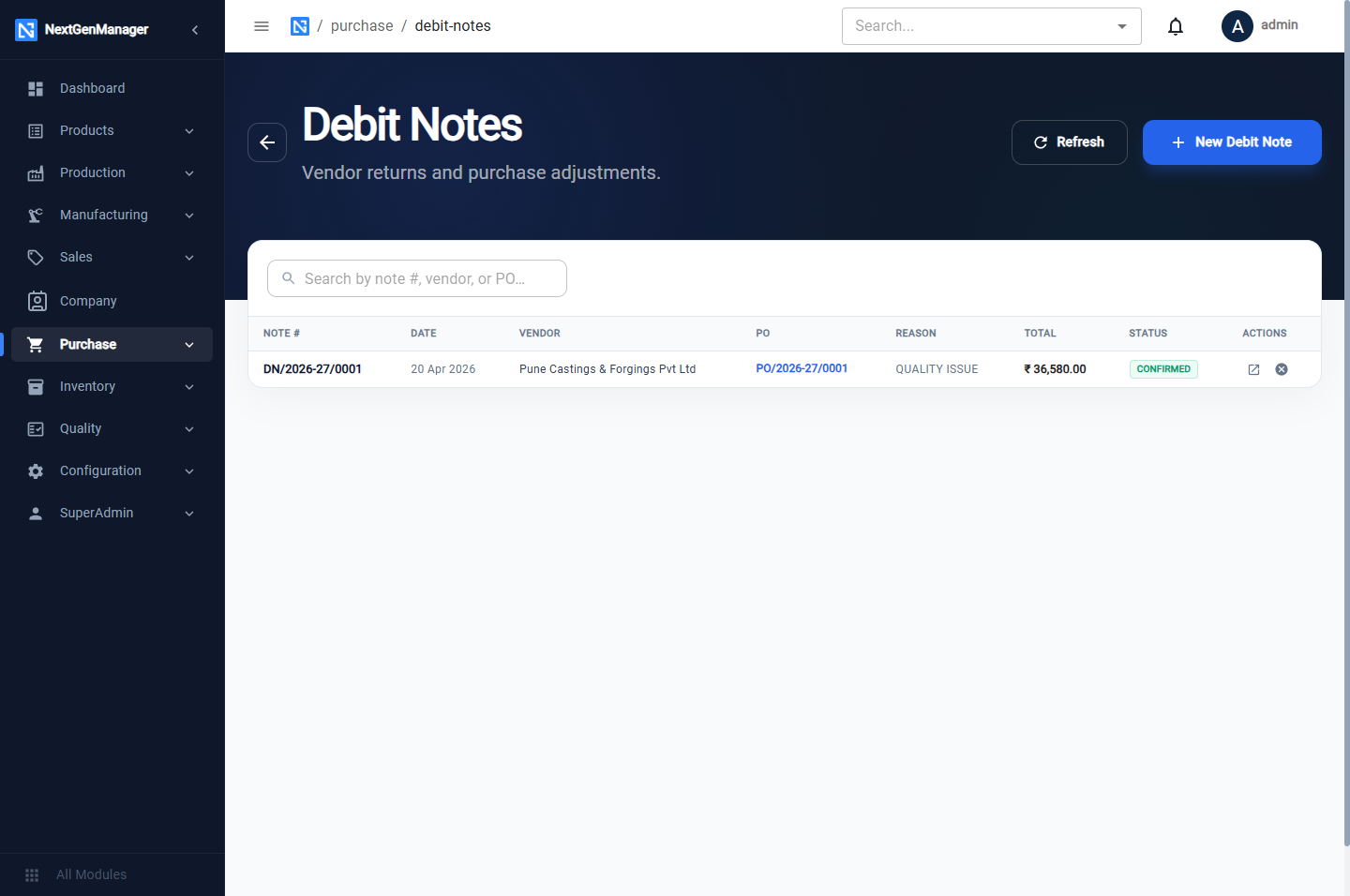
Raise a debit note
Click New Debit Note. The number that will be given is shown at the top, for example
DN/2026-27/0001.
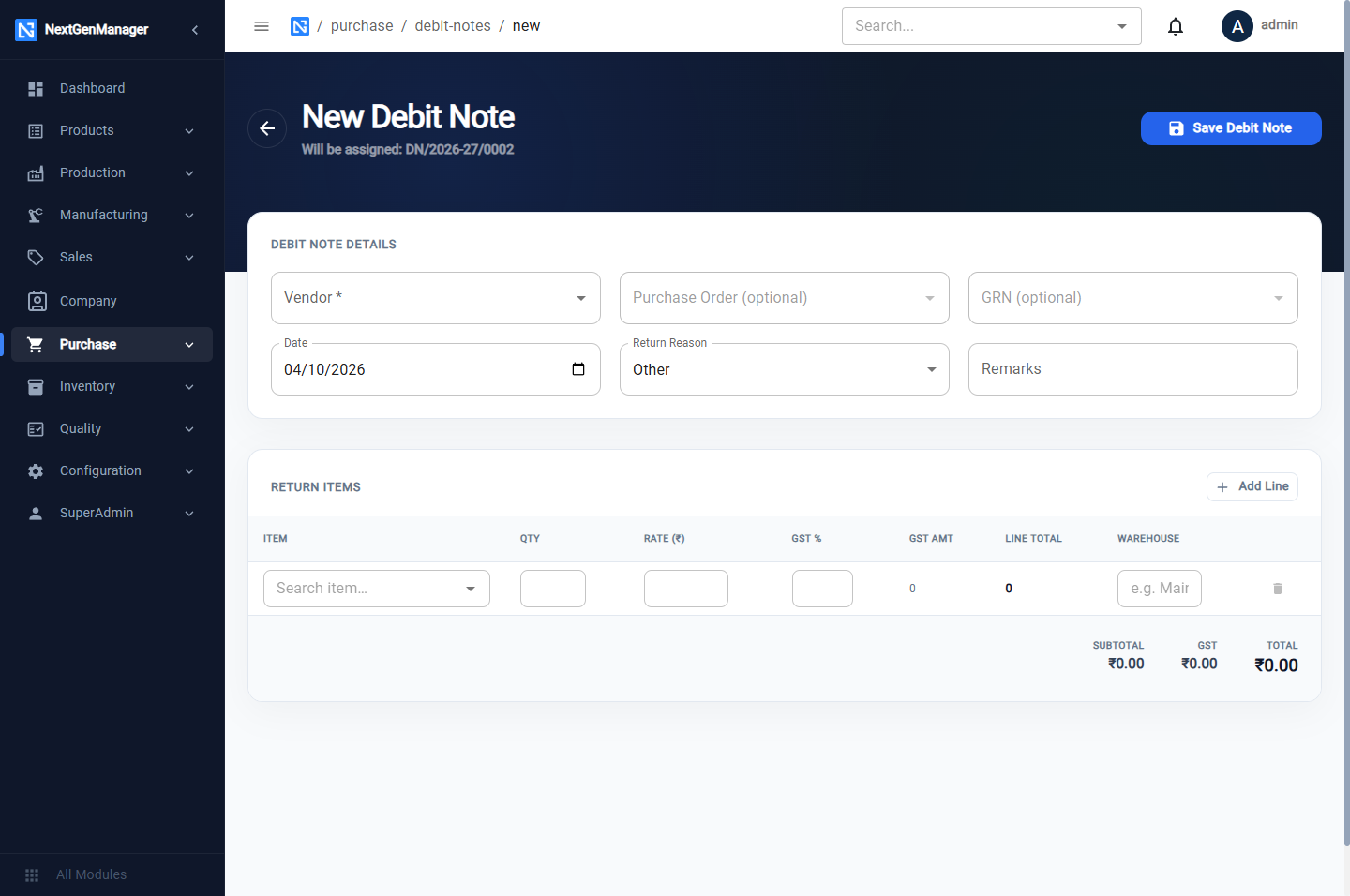
| Field | Notes |
|---|---|
| Vendor | Required |
| Purchase Order, GRN | Optional; the lists show only that vendor's documents |
| Date | The date of the return |
| Return Reason | Defective, Wrong Quantity, Wrong Item, Damaged, Quality Issue or Other |
| Remarks | Optional |
Under Return Items click Add Line for each item: the Item, Qty, Rate, GST %
and the Warehouse code the goods are leaving from. For goods rejected at receipt, that is the
quarantine warehouse, QUAR.
Click Save Debit Note. It is saved as DRAFT.
Confirm it
Open the draft and click Confirm. The confirmation says This will reduce inventory stock. The status becomes CONFIRMED.
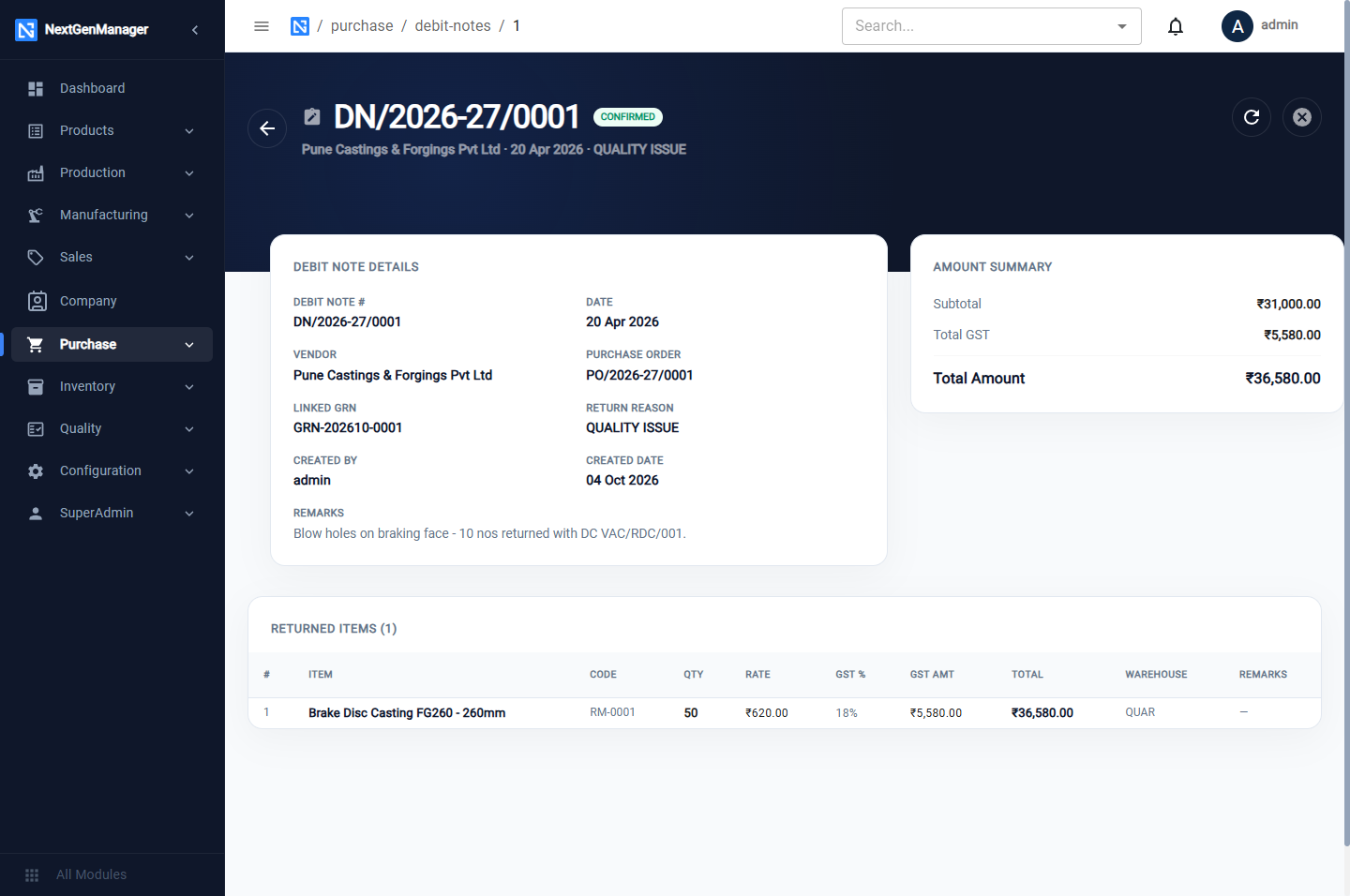
Confirming:
- takes the quantity out of the warehouse you named;
- posts a debit-note voucher (
DBN/…) on the note date that debits the vendor and reverses the purchase value and the input GST.
Cancel Debit Note is available on the note.
:::note A return cannot exceed the stock Confirm checks every line against the stock in the warehouse you named. A return larger than what is there is refused (Cannot return 50 of RM-0001 from QUAR: only 10 on hand there), so the warehouse can never go negative. :::